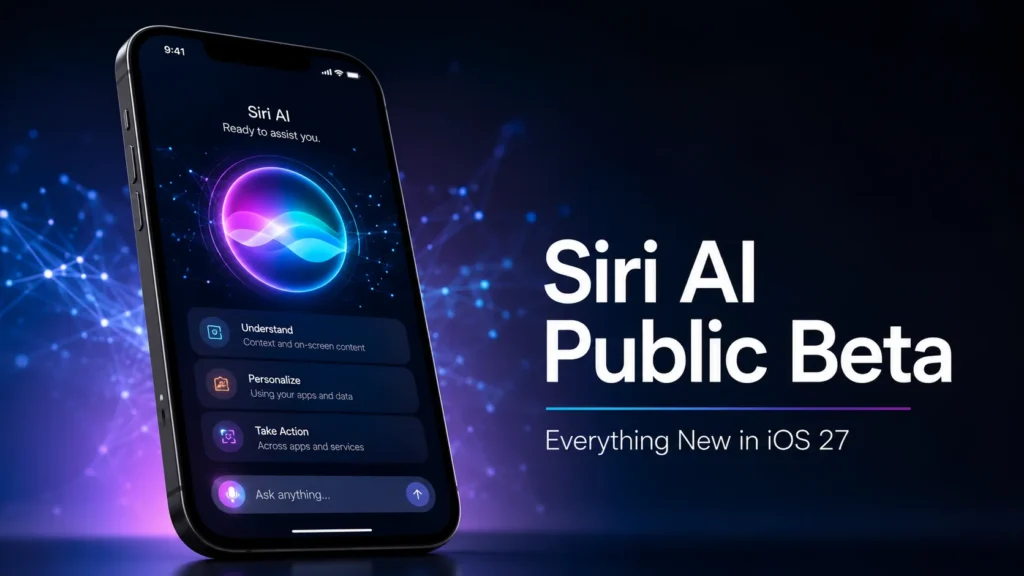
Apple rebuilt Siri around Apple Intelligence, making it much more than a voice assistant.
Instead of responding to one command at a time, Siri can now understand follow-up questions, remember context, search your personal information, and perform actions across multiple apps.
Apple first introduced the new Siri during WWDC 2026 before releasing it to developers. The iOS 27 Public Beta is the first time regular users can try it.
What’s New in Siri AI?
Here are the biggest improvements.
| Feature | Old Siri | Siri AI (iOS 27) |
|---|---|---|
| Conversational memory | ❌ | ✅ |
| Personal context | ❌ | ✅ |
| On-screen awareness | ❌ | ✅ |
| Multi-step tasks | Limited | Yes |
| Search emails & messages | Basic | Smart AI search |
| Third-party app actions | Limited | Expanding |
| Natural language understanding | Good | Much better |
Siri AI Features We Like Most
After reviewing Apple’s announcements and early public beta testing, these features stand out.
1. Personal Context
Siri can search your:
- Messages
- Photos
- Calendar
- Notes
- Files
Example:
“Show me the restaurant my brother texted me last month.”
Instead of opening several apps, Siri searches them for you.
2. On-Screen Awareness
One of the smartest upgrades is screen awareness.
Imagine reading an email about a flight.
You can simply say:
“Add this to my calendar.”
Siri understands what “this” means.
No copying.
No pasting.
Just one command.
3. Natural Conversations
Older Siri forgot everything after every command.
Now you can ask:
What’s the weather in New York?
Then immediately ask:
What about tomorrow?
No need to repeat the city.
The conversation continues naturally.
4. Better App Control
Apple says Siri can now perform actions inside apps using natural language.
Examples include:
- Send messages
- Create reminders
- Edit notes
- Find photos
- Start shortcuts
Support for third-party apps is expected to grow over time.
How to Install the iOS 27 Public Beta
Before installing, back up your iPhone.
Then:
- Join Apple’s Beta Software Program.
- Open Settings.
- Tap General.
- Tap Software Update.
- Select Beta Updates.
- Choose iOS 27 Public Beta.
- Download and install.
Apple recommends using beta software carefully because unfinished builds may contain bugs.
Which iPhones Support Siri AI?
Not every iPhone can run Apple Intelligence.
Currently supported devices include:
- iPhone 17 series
- iPhone 16 series
- iPhone 15 Pro
- iPhone 15 Pro Max
Older models may install iOS 27 but won’t get every AI feature.
Siri AI vs ChatGPT
| Feature | Siri AI | ChatGPT |
|---|---|---|
| Personal device access | ✅ | Limited |
| Emails & Messages | ✅ | No |
| Screen awareness | ✅ | Limited |
| General knowledge | ✅ | ✅ |
| Creative writing | Good | Excellent |
| Coding | Basic | Excellent |
| Privacy | Strong on-device focus | Cloud-based |
Siri AI wins when it comes to controlling your iPhone.
ChatGPT still has the edge for long-form writing, coding, brainstorming, and research.
Performance in the Public Beta
Early testers report that Siri feels much faster than previous versions.
The assistant can now:
- remember context
- answer follow-up questions
- search multiple apps
- understand natural speech
The beta also includes performance improvements across iOS 27, making animations and app launches feel quicker.
Should You Install the Beta?
It depends.
Install it if:
- You enjoy testing new software.
- You own a secondary iPhone.
- You want early access to Apple Intelligence.
Skip it if:
- Your iPhone is your only phone.
- You need maximum battery life.
- You rely on work apps every day.
Public betas are more stable than developer betas, but bugs still happen.
Pros and Cons
Pros
- Huge Siri upgrade
- Better AI conversations
- Smart personal search
- Works across Apple apps
- Better productivity
Cons
- Limited device support
- Some features still rolling out
- Beta bugs remain
- Battery drain may occur
Our Verdict
After looking at Apple’s official information and early testing reports, Siri AI feels like the upgrade users have wanted for years.
The assistant is finally becoming useful for everyday work instead of handling only simple commands.
That said, this is still beta software. If your iPhone is critical for work or travel, waiting for the stable release is the safer choice.
If you’re comfortable testing new software, the iOS 27 Public Beta offers a clear preview of Apple’s AI future.
Frequently Asked Questions
Is Siri AI free?
Yes. Siri AI is included with iOS 27 on supported Apple Intelligence devices during the beta period.
Can older iPhones use Siri AI?
No. Full Siri AI features require newer hardware that supports Apple Intelligence.
Is the iOS 27 Public Beta stable?
It’s more stable than the developer beta, but users may still encounter bugs, battery drain, or app compatibility issues.
Does Siri AI replace ChatGPT?
No. Siri AI focuses on personal assistance and device integration, while ChatGPT remains stronger for general writing, coding, and research tasks.
Is Siri AI private?
Apple says Siri AI uses a privacy-focused architecture with on-device processing where possible and secure cloud processing for more complex requests.
Should I install the beta now?
Install it only if you’re comfortable using pre-release software or have a secondary device. Otherwise, wait for the stable release later this year.