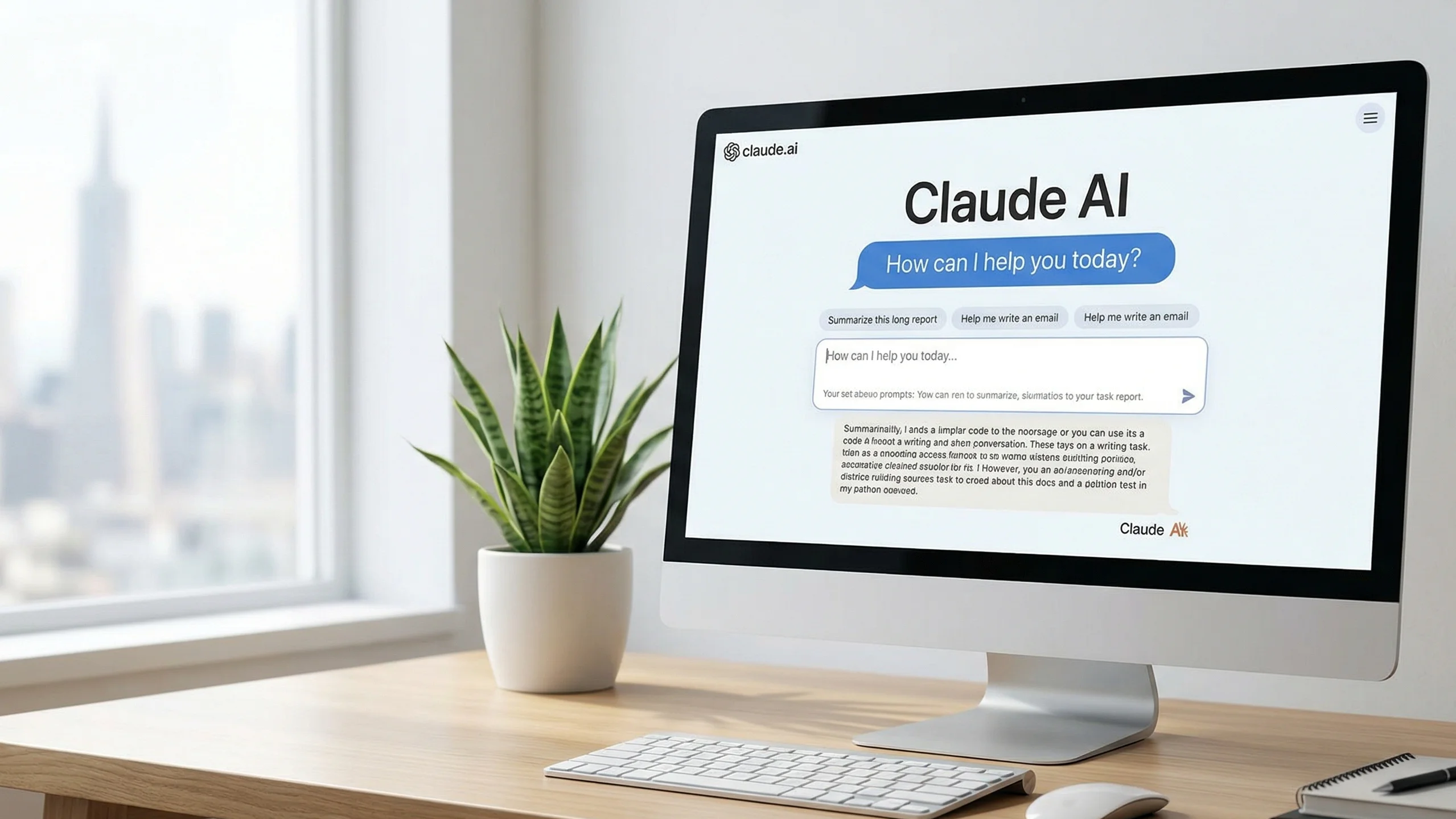
If you keep seeing the name Claude AI pop up online and have no idea what the fuss is about, you are not alone. A lot of people heard about ChatGPT first. Then Gemini. Now Claude. It can feel like a new AI chatbot shows up every few weeks.
But Claude is a bit different. And once you actually use it, you start to notice why.
This article covers what Claude AI is, who made it, what it is genuinely good at, where it falls short, and whether it is worth your time. No buzzwords. Just useful information.
Who Made Claude AI?
Claude was built by Anthropic. Anthropic is an AI safety company based in San Francisco. It was founded in 2021 by Dario Amodei, Daniela Amodei, and several others who previously worked at OpenAI.
The team left OpenAI partly because they had different ideas about how AI development should go. They wanted to put safety research at the center of the work. Not as a checkbox. As the actual priority.
That mindset shows up in how Claude behaves. It tends to be more careful with sensitive questions. It is more likely to say “I’m not sure” than to make something up. And it will push back on requests that feel off rather than just going along with whatever you ask.
Whether you find that useful or annoying depends on what you are trying to do.
What Is Claude AI, Exactly?
Claude AI is a large language model. That means it learned from enormous amounts of text and can generate new text based on what you ask it.
You type something. It responds. Simple in theory, complicated in practice.
You can use Claude to:
- Write and edit articles, emails, or reports
- Summarize long documents or PDFs
- Answer research questions
- Help debug or write code
- Brainstorm ideas
- Have a back-and-forth conversation about almost any topic
The current version as of 2025 is the Claude 4 family, which includes Claude Sonnet 4 and Claude Opus 4. Sonnet is fast and handles most everyday tasks well. Opus is slower but better for complex problems that require deeper reasoning.
You can access Claude through claude.ai or through Anthropic’s API if you are a developer.
How Claude AI Compares to ChatGPT
This is the question most people actually want answered.
Both are AI assistants. Both can write, summarize, code, and explain things. But they have a different feel.
ChatGPT tends to be more eager. It will almost always give you an answer, even when the answer is uncertain. That can be helpful when you want a quick response. It can also mean you get confident-sounding information that is quietly wrong.
Claude tends to be more careful. It admits uncertainty more often. It says things like “I am not certain about this” or “you may want to verify this.” Some people find that frustrating. Others find it far more trustworthy.
In terms of writing quality, many people feel Claude produces cleaner, more natural prose. It has a better instinct for tone. If you are writing something that needs to sound like a real human wrote it, Claude often does a better job without as much editing afterward.
For coding, both are solid. Claude tends to explain its reasoning as it writes code, which is useful if you are learning or need to understand what is happening, not just copy-paste the output.
For browsing the web and pulling in live information, ChatGPT with browsing enabled has an edge. Claude does have web search capability but it depends on the plan and interface you are using.
Neither one is strictly better. They are different tools with different strengths.
What Makes Claude AI Different
A few things stand out about how Claude works compared to other AI tools.
It Has a Very Long Memory Within a Conversation
Claude can handle extremely long conversations and documents. You can paste in a full research paper, a long legal contract, or an entire book chapter and ask it questions about the content. It holds onto context very well.
This is a practical difference. If you paste a 40-page document and ask Claude to find specific information in it, it usually does. Many AI tools start to lose track of earlier content in a long session. Claude handles that much better.
It Is Trained to Be Honest About What It Does Not Know
This sounds small. It is not.
A lot of AI tools will give you a complete-sounding answer even when they are working with incomplete or outdated information. Claude is trained to flag uncertainty. It will say things like “my information on this only goes up to a certain date” or “I am not confident in this specific figure.”
That matters when you are using AI for research or anything where accuracy counts.
It Thinks About Ethics Without Being Preachy
Claude will decline certain requests. It will not help you write something harmful or deceptive. But it generally does this without lectures. It tends to say “I can not help with that” and move on rather than giving you a five-paragraph explanation of why what you asked was problematic.
That balance is something a lot of users notice. It feels more like talking to a reasonable person and less like talking to a hall monitor.
It Writes Well
This is the part that is hard to quantify but easy to notice. Claude has a good sense of tone. It can shift from formal to casual naturally. It does not pad every answer with unnecessary phrases. The writing tends to be tighter.
If you have ever spent a lot of time editing ChatGPT output to make it sound less robotic, you might find you do less of that with Claude.
Claude AI Pricing: Free and Paid Options
You can use Claude AI for free at claude.ai. The free version gives you access to a capable version of the model with some daily usage limits.
The paid plan, called Claude Pro, costs around $20 per month. With Pro, you get:
- More conversations before hitting limits
- Access to the more powerful models like Claude Opus
- Priority access when the servers are busy
- Larger file and document uploads
For casual use, the free tier works fine. If you are using it daily for writing, research, or coding, the paid plan is worth considering.
Developers and businesses can access Claude through Anthropic’s API. Pricing there is based on usage, measured in tokens. Tokens are roughly equivalent to word chunks. You pay for what you use, which works well for apps and products built on top of Claude.
What Claude AI Is Good At (Real Talk)
Here is where Claude actually shines in day-to-day use.
Long document work. If you need to read, summarize, or pull specific information from lengthy files, Claude handles this better than most tools. Upload a PDF, ask your questions, and it gives you direct answers without losing the thread.
Writing that needs a human feel. Blog posts, emails, product descriptions. Claude tends to produce prose that reads naturally. It does not over-explain. It does not pad sentences. You end up editing less.
Explaining complicated things simply. Claude is good at taking a technical or complex topic and breaking it down for someone who is not an expert. It does not talk down to you. It just explains clearly.
Coding help with explanations. If you are learning to code or need to understand what a piece of code does, Claude walks through it. It does not just give you the answer. It tells you how it got there.
Thinking through decisions. This sounds vague. In practice, if you describe a decision you are facing and give Claude the context, it helps you think through it logically. It asks useful questions back. It lays out considerations you might have missed.
Where Claude AI Falls Short
No AI tool is perfect. Here is where Claude has real limits.
It does not always have current information. Claude has a knowledge cutoff date. Events that happened after that date are not in its training. It can browse the web in some setups, but that feature is not always available depending on how you are accessing it.
It can be conservative. Some users find that Claude declines requests it probably could help with. It errs on the side of caution. Most of the time that caution makes sense. Occasionally it feels unnecessary.
It can still be wrong. Like every large language model, Claude makes mistakes. It can produce inaccurate information confidently. The difference is it flags uncertainty more often than some tools. But it is not perfect. You should always verify important information from a reliable source.
No voice interaction in the standard version. If you want to talk to your AI assistant rather than type at it, Claude is not set up for that out of the box the way some mobile AI tools are.
Who Should Use Claude AI?
Writers and content creators who want an AI tool that produces clean, readable output and requires less cleanup afterward.
Researchers and students who need to process long texts, find information within documents, or get clear explanations of difficult material.
Developers who want coding help with clear explanations, not just code dumps.
Business professionals who need help drafting emails, reports, proposals, or other professional communication.
Anyone who values honesty from an AI. If you want a tool that tells you when it is uncertain rather than always sounding confident, Claude fits that need.
How to Get Started with Claude AI
Getting started takes about two minutes.
- Go to claude.ai
- Create a free account using your email
- Start a new conversation
- Type whatever you need help with
That’s it. You do not need to learn any special commands. Just talk to it the way you would talk to a person. Ask follow-up questions. Push back if an answer seems off. Give it more context if the first response misses what you needed.
The more specific you are with your request, the better the response tends to be. “Write me an article about dogs” gets a generic article. “Write a 600-word article for first-time dog owners about the first week with a puppy, with a warm tone and practical tips” gets something much more useful.
Claude AI for Businesses and Developers
If you want to build something with Claude AI, Anthropic offers an API. You can integrate Claude into your own apps, tools, or workflows.
Common use cases include:
- Customer support chatbots that sound more human
- Document analysis tools
- Internal tools for drafting and editing
- Coding assistants built into development environments
The API documentation is clear and well-organized. Anthropic also offers an enterprise tier with additional security controls, higher rate limits, and dedicated support for larger teams.
For businesses that handle sensitive data, Claude’s approach to privacy is worth looking into. Anthropic does not use your conversations to train future models by default. That matters for companies with confidentiality requirements.
Is Claude AI Safe?
This is a fair question to ask about any AI tool.
Anthropic built its company around AI safety research. They developed something called Constitutional AI, which is a method of training AI systems to follow a set of principles rather than just trying to please the user. The goal is to make the AI helpful without making it agreeable to harmful requests.
In practice, Claude is less likely to be manipulated into harmful behavior than some other AI systems. It holds its ground when pushed. It does not break its rules just because someone phrases a request cleverly.
That said, no AI is fully secure. Claude is a tool. Like any tool, it depends on how you use it.
FAQ: Claude AI
What is Claude AI used for?
People use Claude AI for writing, research, summarizing documents, answering questions, coding help, and general conversation. It works well for any task that involves working with text.
Is Claude AI free?
Yes. You can use Claude for free at claude.ai with daily usage limits. A paid plan called Claude Pro is available for around $20 per month and removes most of those limits while giving access to more powerful models.
Is Claude better than ChatGPT?
It depends on what you need. Claude tends to produce more natural writing and admits uncertainty more often, which some people prefer. ChatGPT has stronger web browsing integration and a larger ecosystem of plugins and tools. Most serious users end up trying both.
Who made Claude AI?
Anthropic made Claude. Anthropic was founded by former OpenAI researchers who wanted to focus on AI safety as a core priority.
Can I use Claude AI for my business?
Yes. Anthropic offers API access for developers and an enterprise plan for larger organizations. Claude can be integrated into apps, tools, and internal business workflows.
Does Claude AI store my conversations?
By default, Anthropic does not use your conversations to train future models. Enterprise plans include additional privacy controls. You should review Anthropic’s privacy policy for full details.
What is the difference between Claude Sonnet and Claude Opus?
Sonnet is faster and handles most everyday tasks well. Opus is slower but better at complex reasoning and difficult problems. Free users typically get access to Sonnet. Paid users can access Opus when they need it.
Final Thoughts
Claude AI is not trying to be everything. It is not the flashiest tool. It does not have the widest ecosystem. But it is honest. It writes well. It handles long, complicated tasks without falling apart. And it is built by a team that takes the question of AI safety seriously, not as a marketing angle but as an actual technical challenge they are working on.
If you have been relying on ChatGPT and have not tried Claude, it is worth spending an afternoon with it. Use it for something you actually need to get done. See how the output compares. You might find you prefer it. Or you might use both for different things.
That is honestly the most human answer here. Try it. See what fits.
Visit claude.ai to start for free today.